Screen Printing 101: Everything You Need to Know Before Placing Your First Order

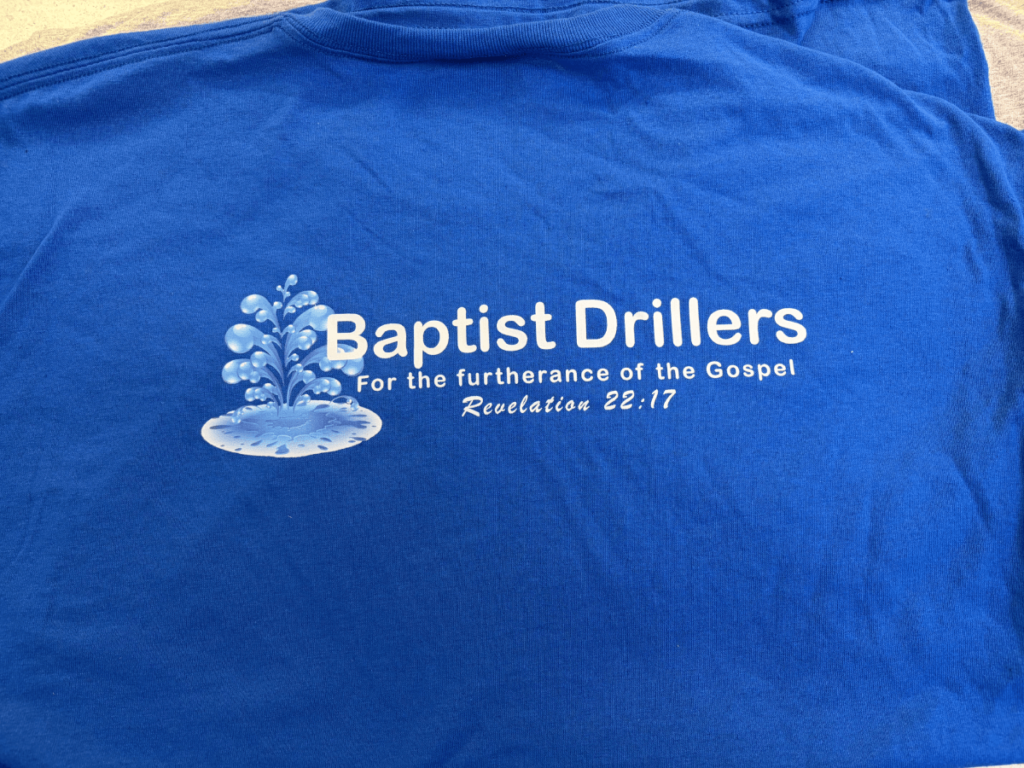
So you’ve decided screen printing is right for your project. Great choice!
But now you’re facing a whole new set of questions: What’s the difference between plastisol and water-based ink? How many colors can I use? Why do some shops require minimum orders? What’s a “screen charge” anyway?
After 30+ years at Merlin Embroidery, I’ve guided thousands of first-time customers through their screen printing projects. Today, I’m going to answer every question you didn’t even know you should ask.
By the end of this guide, you’ll understand the entire process, know what to expect, and be able to have confident conversations with any screen printer.
Let’s dive in.
How Screen Printing Actually Works (The Simple Explanation)
Screen printing might seem mysterious, but the basic concept is surprisingly simple.
The Process in Plain English:
Step 1: Design Separation Your design is separated into individual colors. Each color will be printed separately.
Step 2: Screen Creation For each color, we create a screen (a fine mesh stretched over a frame). Your design is burned onto the screen using light-sensitive emulsion—the design areas remain open mesh, while the rest is blocked.
Step 3: Setup Each screen is loaded onto the printing press in precise alignment. Ink is placed on each screen.
Step 4: Printing A squeegee pushes ink through the open mesh areas of each screen onto the fabric below. Each color is applied one at a time, building up your complete design.
Step 5: Curing The printed garments pass through a dryer that heats the ink to 320°F+, permanently bonding it to the fabric.
Think of it like: A sophisticated stencil system where each color is its own layer.
Why This Matters to You:
Understanding the process helps you understand:
- Why there are setup costs (screen creation takes time and materials)
- Why more colors cost more (each color needs its own screen and printing step)
- Why there are minimum quantities (setup time is the same whether printing 12 or 120 shirts)
- Why turnaround takes time (multiple steps can’t be rushed)
The Two Main Types of Ink (And When to Use Each)
Not all screen printing ink is the same. The two main types create very different results.
Plastisol Ink: The Industry Standard
What it is: PVC-based ink that sits on top of the fabric
Advantages: Extremely durable and long-lasting , Vibrant, opaque colors (especially on dark fabrics) , Works on virtually any fabric type , Doesn’t fade or crack when properly cured , Industry standard for most commercial printing
Characteristics:
- Slightly raised feel on the fabric
- Bright, bold colors
- Excellent opacity (light colors show well on dark shirts)
- Requires heat curing
Best for:
- Dark-colored garments
- Designs requiring bright, vibrant colors
- Maximum durability requirements
- Standard t-shirts and hoodies
Water-Based Ink: The Soft-Hand Alternative
What it is: Water-based ink that soaks into the fabric fibers
Advantages: Ultra-soft feel (no raised texture) , Breathable (doesn’t block fabric airflow) Vintage, worn-in appearance , Eco-friendly option , No plastic feel
Characteristics:
- Becomes part of the fabric
- Soft, almost undetectable feel
- Slightly more muted colors
- Works best on light-colored fabrics
Limitations: Less opaque (light colors on dark fabrics don’t work well) , Requires special fabric preparation , Slightly less durable than plastisol , More expensive to produce
Best for:
- Light-colored garments
- Athletic/performance wear where breathability matters
- Vintage or distressed looks
- Customers who prioritize soft feel over maximum durability
Which Should You Choose?
Choose plastisol if:
- You’re printing on dark shirts
- You want maximum durability
- You want vibrant, bold colors
- You’re on a standard budget
Choose water-based if:
- You’re printing on white or light-colored shirts
- Soft feel is your top priority
- You want a vintage aesthetic
- You’re willing to pay slightly more
Understanding Color Separations and Costs
Here’s where screen printing costs can surprise first-time customers: each color in your design adds to the cost.
Why Colors Matter:
Remember: each color requires:
- A separate screen ($15-50 per screen)
- A separate printing step
- Additional setup time
- More complexity in registration (alignment)
1-color design: One screen, one printing step = most affordable
4-color design: Four screens, four printing steps = significantly more expensive
How to Count Colors:
This confuses many customers. Here’s how to count colors in your design:
Each distinct color = one screen
Example 1: Red logo with black text = 2 colors
Example 2: Blue, white, and yellow design = 3 colors
Example 3: Full-color photograph = 4 colors (using CMYK process printing)
Important: White counts as a color when printing on dark garments (it requires its own screen and ink)
Ways to Reduce Color Costs:
Strategy 1: Simplify your design Can you achieve the same impact with fewer colors?
Strategy 2: Use the shirt color as part of your design Printing on a colored shirt? Let that color show through instead of printing it.
Strategy 3: Choose simulated process printing For photographic images, this technique uses 4-6 colors to simulate full-color printing (more affordable than true full-color separations)
At Merlin Embroidery, we’ll review your design and suggest cost-effective alternatives that maintain your vision while fitting your budget.
Minimum Order Quantities: Why They Exist
Many screen printers require minimum orders of 12-24 pieces. Here’s why:
The Economics of Screen Printing:
Setup time is the same whether printing 12 shirts or 120 shirts:
- Design separation: 30-60 minutes
- Screen creation: 15-30 minutes per color
- Press setup and registration: 30-45 minutes
- Cleanup: 15-20 minutes
Total setup time: 2-4 hours regardless of quantity
This means:
- Printing 12 shirts: $10-15 per shirt
- Printing 50 shirts: $6-8 per shirt
- Printing 200 shirts: $4-6 per shirt
The more you print, the lower your per-piece cost because setup costs are spread across more items.
What If You Only Need a Few Items?
For small quantities (under 12), consider:
- Embroidery (no minimums, often more cost-effective for small runs)
- Direct-to-garment printing (digital printing with no setup costs)
- Heat transfer vinyl (good for 1-5 pieces)
We’ll honestly tell you which method makes the most sense for your quantity and budget.
The Setup Process: What to Expect
Let’s walk through what happens after you place your order.
Step 1: Design Review and Art Approval
We review your artwork for:
- Resolution quality (needs to be high-resolution)
- Color separations
- Size and placement
- Technical printability
You’ll receive a proof showing:
- Exact design placement
- Colors to be printed
- Size specifications
You must approve this proof before production begins. Changes after approval may require additional charges.
Step 2: Screen Creation
Each color in your design gets its own screen:
- Screens are coated with light-sensitive emulsion
- Your design is exposed onto the screen using UV light
- Screens are washed out, leaving open mesh where ink will pass through
- Screens are dried and prepared for printing
This process takes 1-2 business days.
Step 3: Press Setup and Test Prints
- Screens are mounted on the printing press
- Each color is carefully registered (aligned)
- Test prints are made to ensure perfect alignment
- Ink colors are mixed and tested
- Adjustments are made until everything is perfect
This is why rush orders are difficult—proper setup can’t be rushed without sacrificing quality.
Step 4: Production Printing
Once everything is dialed in:
- Your garments are loaded onto the press
- Each color is printed in sequence
- Printed items move to the dryer
- Curing ensures permanent ink adhesion
Production speed: Experienced printers can produce 60-100 pieces per hour (depending on design complexity)
Step 5: Quality Control and Finishing
Every printed item is:
- Inspected for print quality
- Checked for proper ink curing
- Folded or hung as requested
- Packaged for delivery or pickup
Total timeline: 7-10 business days is standard for most orders (rush services available for additional fees)
Choosing the Right Garments for Screen Printing
The shirt you choose affects both the printing process and final results.
Fabric Content Matters:
100% Cotton: Easiest to print on Excellent ink adhesion Soft, comfortable feel Breathable. Shrinks if not pre-shrunk , Wrinkles easily
Cotton/Polyester Blends (50/50 or 60/40): More durable than 100% cotton Less shrinkage Wrinkle-resistant Retains shape better . Good for athletic/active wear Slightly less soft than 100% cotton
100% Polyester (Performance Fabrics): Moisture-wicking Lightweight and breathable Excellent for athletic wear Quick-drying . Requires special inks and techniques Can be more expensive to print
Tri-Blends (Cotton/Poly/Rayon): Ultra-soft, premium feel, Excellent drape , Vintage aesthetic , Very popular for retail-quality shirts. More expensive Requires careful printing technique
Garment Color Considerations:
Light-colored shirts (white, cream, light gray):
- Easiest to print on
- All ink colors show vibrantly
- Fewer ink layers needed
- Most affordable option
Dark-colored shirts (black, navy, dark gray):
- Require white underbase (extra layer)
- Need more ink for opacity
- Slightly higher cost
- Still produce excellent results
Bright-colored shirts (red, royal blue, kelly green):
- Can be tricky for certain ink colors
- May require additional layers
- Discuss with your printer before finalizing
Garment Quality Levels:
Economy/Budget ($3-5 per shirt):
- Thinner fabric
- Basic construction
- Good for one-time events
- May not hold up to heavy washing
Standard/Mid-Range ($6-10 per shirt):
- Good quality fabric
- Comfortable fit
- Durable for regular wear
- Best value for most projects
Premium/Retail ($12-20+ per shirt):
- Soft, high-quality fabrics
- Fashion-forward fits
- Excellent durability
- Worth it for retail sales or special projects
At Merlin Embroidery, we work with multiple suppliers and can source whatever quality level fits your budget and needs.
Design Tips for Screen Printing Success
Not all designs translate well to screen printing. Here’s how to set yourself up for success.
Resolution Requirements:
Vector files are best:
- .AI (Adobe Illustrator)
- .EPS
- .PDF (with embedded fonts)
Raster files need high resolution:
- Minimum 300 DPI at actual print size
- .PNG or .PSD preferred over .JPG
Avoid: Low-resolution images pulled from websites, Stretched or distorted logos , Blurry or pixelated artwork
If you only have a low-resolution file, we can often recreate it as vector artwork (additional art fees may apply).
Design Size Guidelines:
Standard placements:
- Full front: 10″-12″ wide maximum
- Left chest: 3″-4″ wide
- Full back: 11″-13″ wide maximum
- Sleeve: 3″-4″ wide
Remember: Larger isn’t always better. Oversized designs can look awkward and feel uncomfortable.
Color and Detail Considerations:
What works well: Bold, solid colors , Clear, readable text (minimum 1/4″ tall) , Simple graphics with clean lines , High-contrast designs
What’s challenging: Extremely fine details (under 1/8″) , Very thin lines , Tiny text , Gradients (require halftones) , Photographic images (require process printing)
Pro tip: Show us your design before finalizing it. We can suggest adjustments that will improve printability and final results.
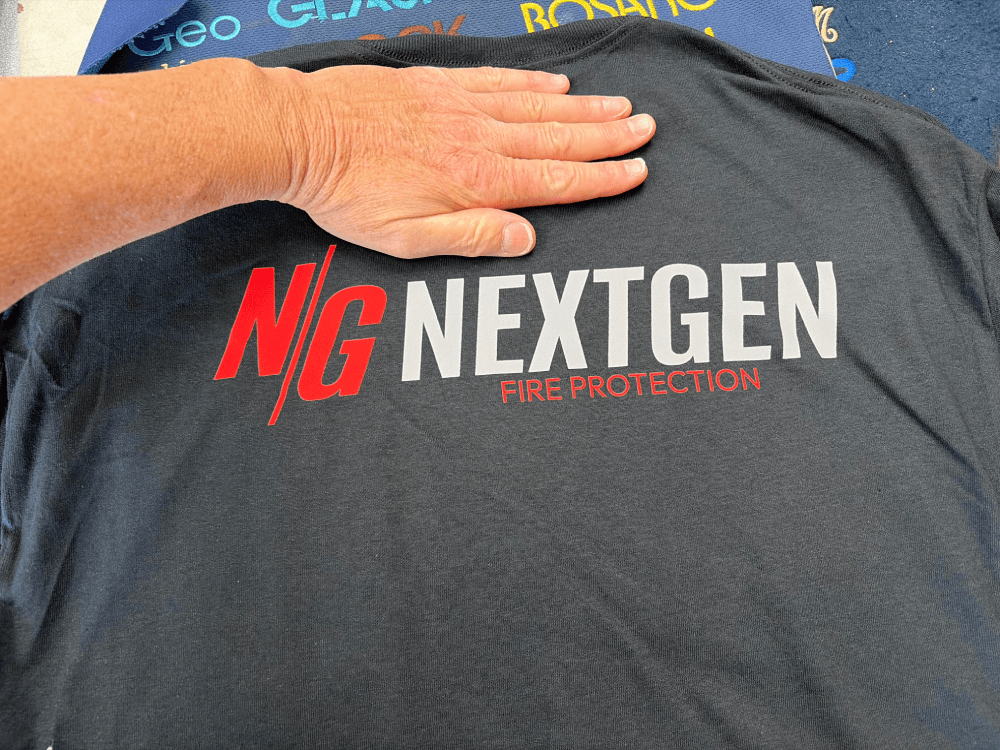
Common Screen Printing Questions Answered
“Can you match my exact brand colors?”
Short answer: Very close, but not always perfectly.
Long answer: We use Pantone Matching System (PMS) to get as close as possible. However, fabric texture, ink type, and printing process can cause slight variations from digital colors.
Best practice: Provide PMS color codes, and we’ll mix ink to match. For critical color matching, we can provide a strike-off (test print) for approval.
“How long will the printing last?”
With proper care: Years, even decades.
Factors affecting longevity:
- Ink type (plastisol lasts longer than water-based)
- Proper curing during production
- Washing and care practices
- Garment quality
Care instructions we recommend:
- Wash inside-out in cold water
- Avoid bleach and harsh detergents
- Tumble dry low or hang dry
- Don’t iron directly on the print
“Can you print on items I provide?”
Sometimes, but with caveats:
We can print on customer-provided items if:
- They’re clean and new (or like-new)
- They’re suitable for screen printing
- You accept responsibility for any printing issues related to garment quality
We typically don’t recommend it because:
- We can’t guarantee results on unknown garment quality
- Used items may have residues that affect ink adhesion
- We can’t replace items if something goes wrong
Usually, it’s more cost-effective and reliable to purchase garments through us.
“What’s the difference between one-sided and two-sided printing?”
One-sided printing: Design on front OR back only
Two-sided printing: Design on both front AND back
Cost difference: Two-sided printing costs more because:
- Garments must be loaded and printed twice
- Additional setup and registration time
- More ink and materials
Typical pricing: Two-sided printing adds $3-6 per shirt depending on design complexity
“Can you do rush orders?”
Yes, but with limitations:
Standard turnaround: 7-10 business days
Rush options:
- 5-7 days: Usually available with minimal rush fee
- 3-4 days: Available for additional rush charges
- 1-2 days: Rarely possible, very expensive
Why rush orders cost more:
- We must rearrange production schedule
- May require overtime labor
- Less time for quality control
- Higher risk of errors
Best practice: Plan ahead whenever possible. Rush fees can add 25-50% to your total cost.
What Screen Printing Should Cost
To help you evaluate quotes, here are realistic price ranges for quality screen printing:
Basic 1-Color Print (Front Only):
Quantity 24: $12-15 per shirt (including garment)
Quantity 50: $9-12 per shirt
Quantity 100: $7-10 per shirt
Quantity 250+: $6-8 per shirt
Multi-Color Print (Front Only):
Add $1-2 per shirt for each additional color
Example: 3-color design on 50 shirts = $12-16 per shirt
Setup/Screen Charges:
Per color: $15-50 (one-time fee)
Art/separation fees: $25-75 (if applicable)
These fees are one-time. Reorders using the same screens only pay printing costs.
Two-Sided Printing:
Add $3-6 per shirt for back printing
Remember: These prices include both printing AND the garment. Some shops quote printing only, then add garment costs separately.
Red Flags: Signs of a Low-Quality Screen Printer
- Unwilling to show physical samples Photos can be deceiving. Quality printers proudly show their work.
- Can’t explain their process If they can’t answer basic questions about inks, screens, and curing, they may lack experience.
- No art approval process Printing without your approval of placement, size, and colors is asking for problems.
- Prices significantly below market rates Quality screen printing has real costs. Unrealistically low prices mean corners are being cut.
- No minimum quantities Screen printing economics require minimums. If there’s no minimum, they’re likely using a different (often inferior) printing method.
- Guaranteed same-day or next-day turnaround Proper screen printing can’t be rushed without sacrificing quality.
- Won’t discuss garment brands or quality The shirt matters as much as the printing. Quality printers care about both.
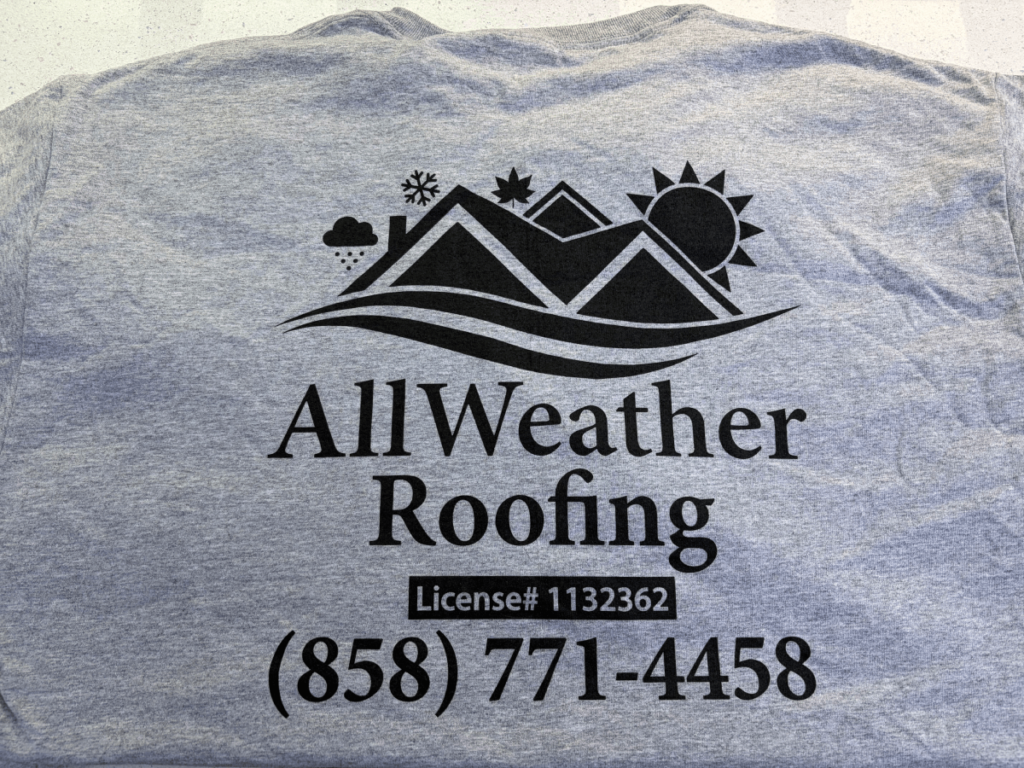
Your Screen Printing Checklist
Before placing your order, make sure you have:
- High-resolution artwork (vector files preferred)
- Clear idea of quantity needed (order extra for future needs—reorders cost more per piece)
- Garment style and color selected (we can help with this)
- Size breakdown (how many S, M, L, XL, etc.)
- Realistic timeline (7-10 days minimum)
- Budget established (including setup fees)
- Delivery or pickup preference determined
Missing something? No problem. We’ll help you figure it out.
Let’s Print Something Amazing
Screen printing is an art and a science. When done right, it creates vibrant, durable, professional apparel that represents your brand beautifully.
At Merlin Embroidery, we’ve been perfecting our screen printing process for over 30 years. We know what works, what doesn’t, and how to guide you toward the best results for your specific project.
Ready to get started?
Call us at : 619-884-9712
Email : merlinemb@gmail.com
Visit us at : 8240 Parkway Dr UNIT 104, La Mesa, CA 91942
Bring your ideas, your questions, your artwork (even if it’s just a sketch on a napkin). We’ll walk you through the entire process and create screen printed apparel you’ll be proud to wear.
Have more screen printing questions? Drop them in the comments and I’ll answer them personally!
That completes the three blogs on educating customers about embroidery vs. screen printing!
Would you like me to create more blogs on different topics to enhance your business, or would you like something else like social media content to promote these blogs?
2/2